


Free Download GM GDS2 21.0.01501 Tech2Win16.02.24
- 2019年11月11日
- 讀畢需時 1 分鐘
Offer free GDS2 21.0.01501 + Tech2Win16.02.24, NO VMware, No computer requirement, No need activation. GDS2 21.0.01501:
https://mega.nz/#F!jN4lSYaA!5Q_p4sZEySxLu6HVPP418A
GDS2 language: multi-lingual
Tech2Win16.02.24: https://mega.nz/#!tIFWUIxT!XBAFZWEFPhQ3A9MtyPYfT1wojVgB1sEmt2T62nrmQcM
Tech2Win Language: English
It is Free , but must be connected VCX Device (wifi & usb options)
For Saab, Opel /Vauxhall, GM Global, GM China

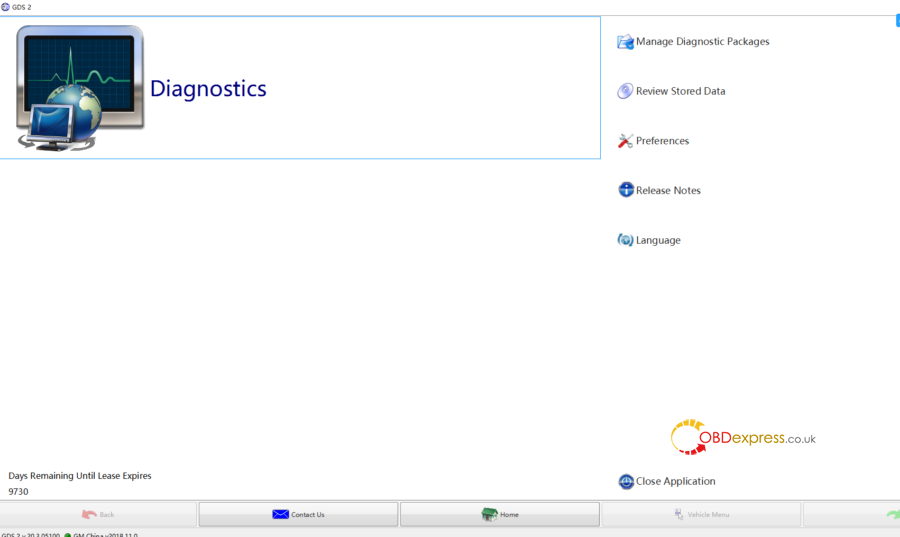
Step: 1, Download InstallPackage 2, Run "GDS2AutoInstall.exe" to Install Gds2 3, Install VCX Manager and GM driver. 4, Run Gds2.exe(shortcut on desktop)
Here is one video guide:
Feedback:
The VM does not expire because it is frozen in time. I used these files to update a VM with no issues.
That file is emulating activation only if you are using a VCX tool Otherwise your GDS2 will not be activate it. As you can see you have to have the VCX tool connected before start the emulator But if you have an already updated VMware don't need to use that GDS2.exe

Will GDS2 Software 2019/4 work with the MDI head?
Answer: Of course it goods works but you need to activate it and lease it.
Also it doesn't have all regional language it only have English German and etc. not have all language in database.
Thanks
留言